Add LinkedIn to the same outreach workflow
Connect your LinkedIn account and include connection requests and messages in the same personalized sequence as your email outreach.
Why this workflow matters
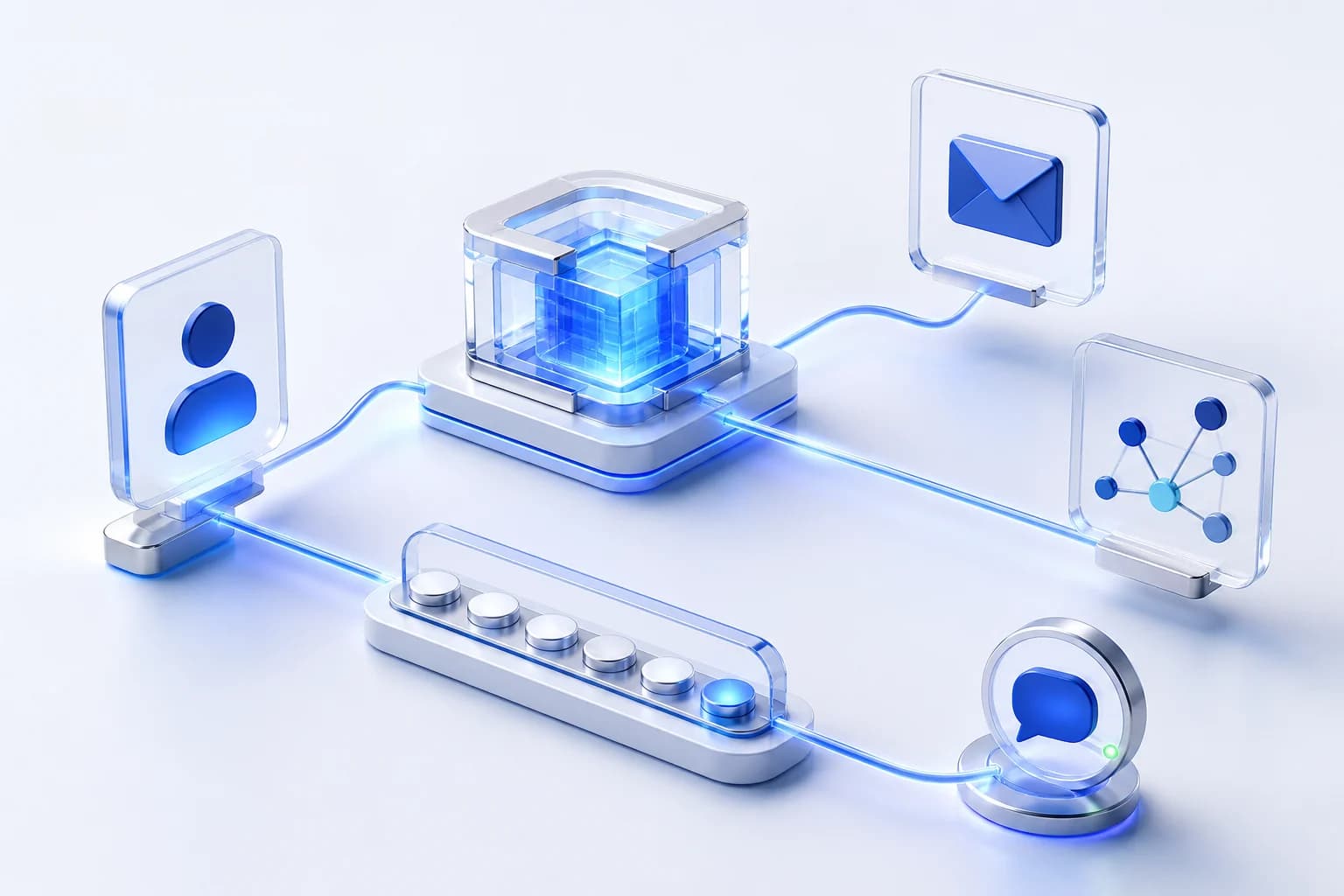
A prospect does not care which outreach tool you used. They just experience the messages you send. SynPulse keeps LinkedIn and email steps together so the sequence makes sense as one conversation rather than two unrelated campaigns.
How it works in practice
Each step stays attached to the same lead and the same reason for reaching out.
Use the LinkedIn account you choose
Connect the LinkedIn identity you want SynPulse to use for outreach. The account stays visible in your workspace, and SynPulse does not ask you to paste your LinkedIn password into a prompt or campaign.
Plan the LinkedIn steps with the rest
Connection requests and LinkedIn messages can sit alongside email in the same sequence. You can decide the order and timing based on the prospect instead of running a separate LinkedIn automation with no idea what the email campaign is doing.
Keep activity within the limits you set
SynPulse lets you control LinkedIn activity limits and pacing for the connected account. The point is to make outreach manageable, not to turn one account into an unlimited sending machine.
LinkedIn security checks stay manual
If LinkedIn asks for a login, verification, or another security step, SynPulse does not try to bypass it. Those checks need to be handled in LinkedIn before automated work continues.
Keep exploring the workflow
The strongest workflows connect research, outreach, and replies instead of treating them as separate jobs.
Ready to build outreach around the person?
Start with one prospect, one reason to reach out, and one sequence you would be happy to receive.